
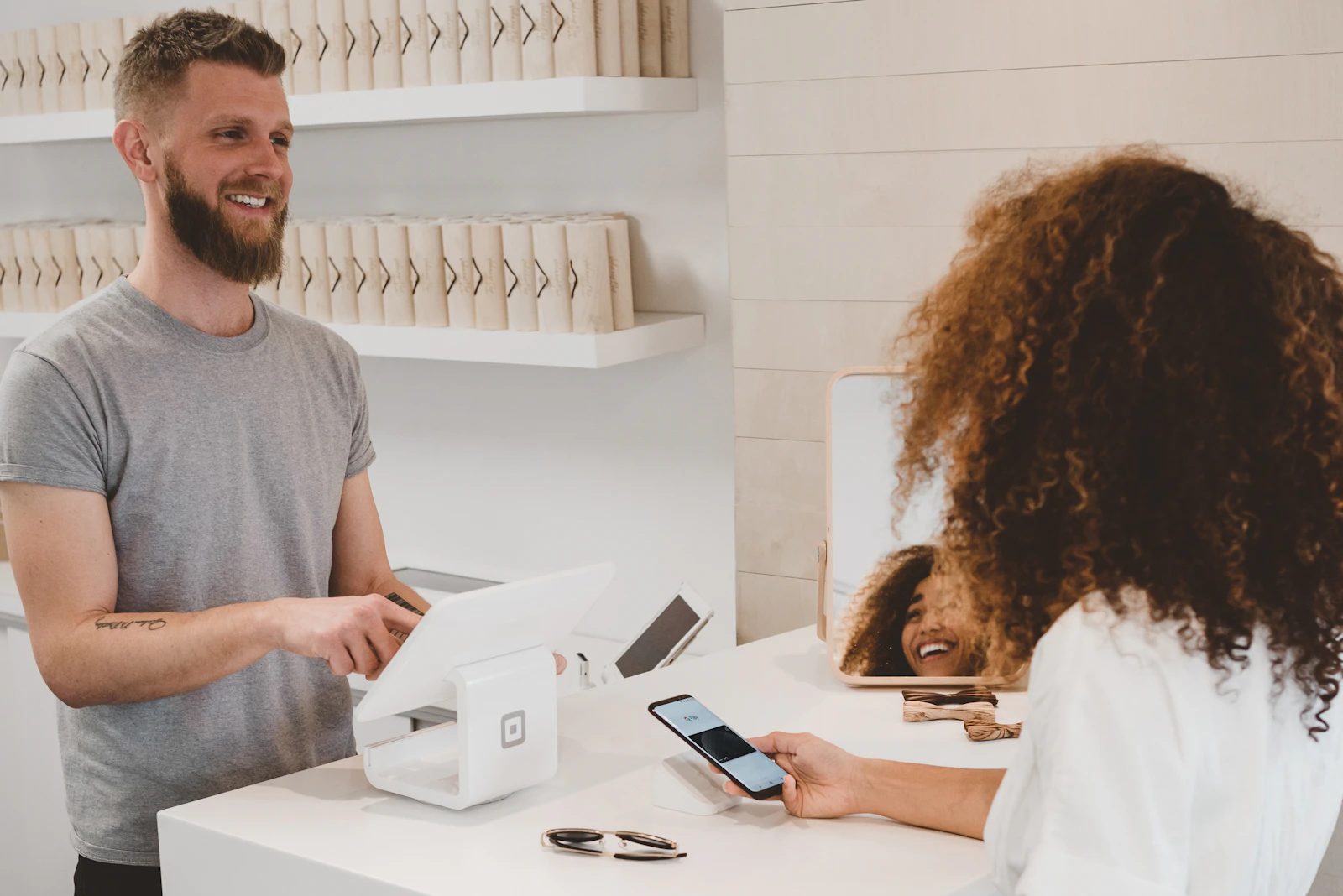
QR codes can give customers a quick way to open a digital destination from a menu, sign, package, or receipt. Common uses include a menu, website, contact card, Wi-Fi details, or social profile. QR Pulse’s Google Play listing says it supports creating codes for websites, Wi-Fi, contacts, text, email, phone numbers, and locations. Check the current store listing for availability on your platform. Google Play listing.
Link to the information customers need
A menu code should open the current menu. A contact code should show the details you intend to share. Check that the destination works on a phone and remains up to date. Before printing a large batch, scan the final version with another device at its intended size.
Invite honest reviews
If you want to ask customers for feedback, make the request available to all customers and let them share their honest experience. Do not ask only satisfied customers or request a particular star rating. Google permits businesses to share a review link or QR code but prohibits selectively soliciting positive reviews or influencing ratings. Google Business Profile review policy.
Share Wi-Fi access carefully
A Wi-Fi QR code can make it easier for a guest to join a network. Treat the code as a way of granting network access, and consider using a guest network with access limited to what visitors need. Test the code with a second device before displaying it.
Use codes on packaging and printed materials
A code can link packaging or a printed sign to an online manual, product page, menu, or other relevant destination. Keep the destination current and replace printed material when the link changes.
Understand what scan measurement can show
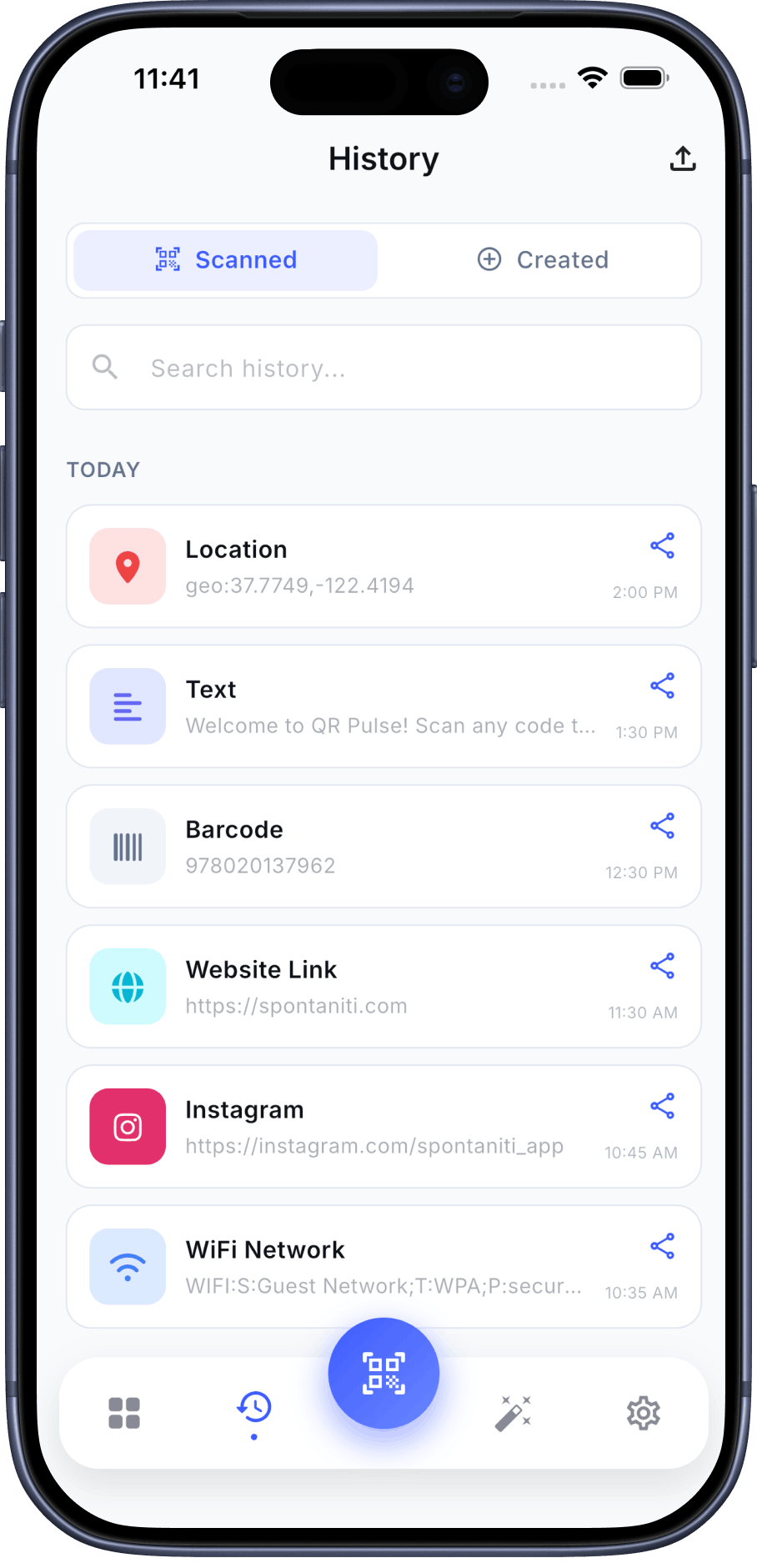
A plain QR code does not itself report scans. A tracked redirect or tagged destination can measure requests or landing-page visits, depending on setup; this does not establish unique people, attention, or revenue. QR Pulse’s store listing describes app scan history, which is not evidence of analytics for public copies of a code. Review the destination’s analytics if you need campaign measurement.
Frequently Asked Questions
Can QR codes guarantee more sales or reviews?
No. A code provides access to a destination; outcomes depend on the offer, placement, audience, and destination.
Does QR Pulse history show every scan of a code displayed in public?
The store listing describes app scan history. It does not establish analytics for public copies of a code.
Can I use a QR code for customer reviews?
You can share a review link or QR code, but make the request neutral and do not selectively solicit positive reviews.