
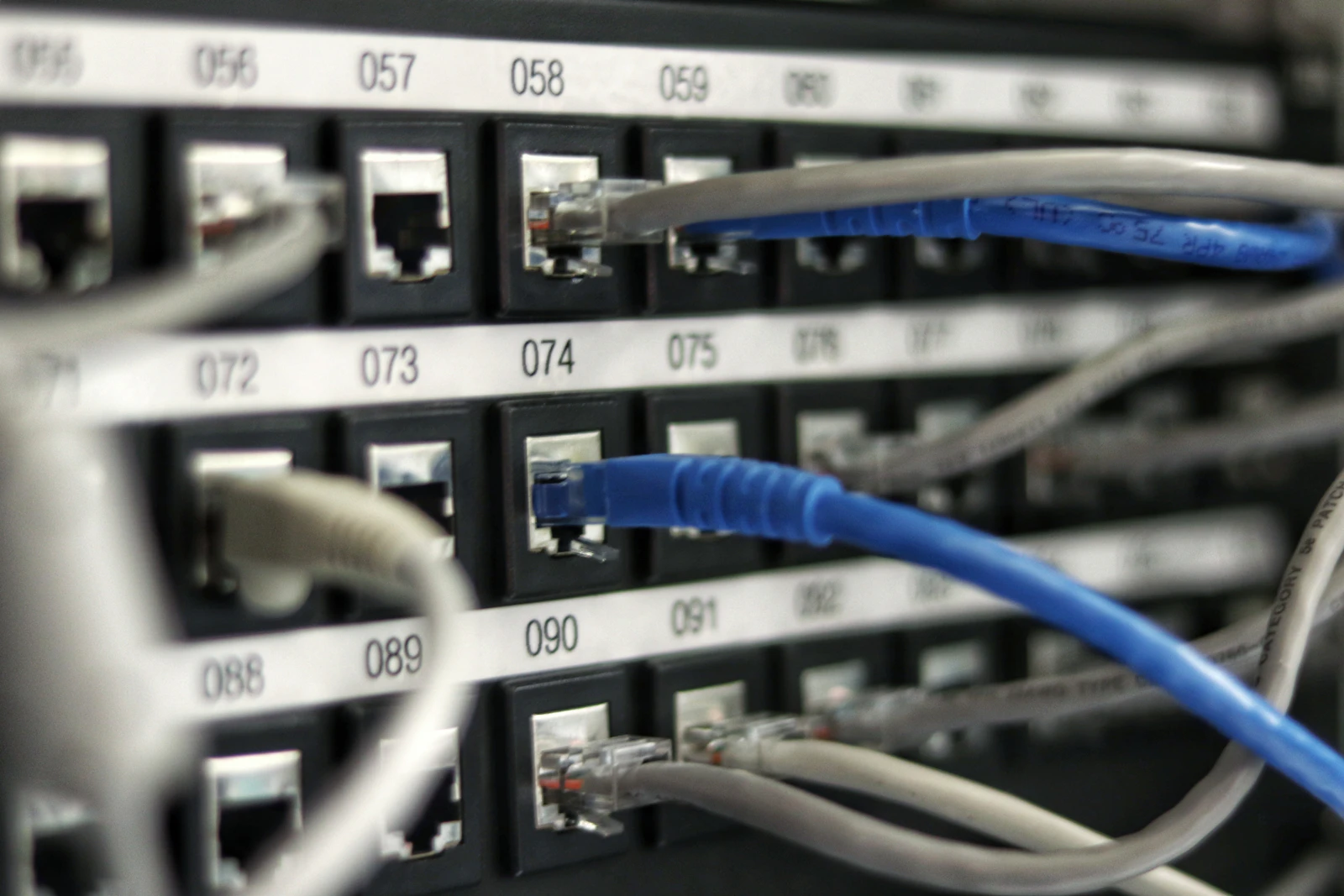
A Wi-Fi QR code can make it easier for a guest to join a network. Android and Apple document ways to share Wi-Fi access using a QR code on supported devices. A person who can scan a code may be able to join the network, so treat it like sharing network access. Android Help · Apple Support.
Share access with care
Share a network code only with the people you intend to give access to. For visitors, consider using a guest network with access limited to what they need. Test the code with a second device before displaying or sending it, and replace it if the network details change.
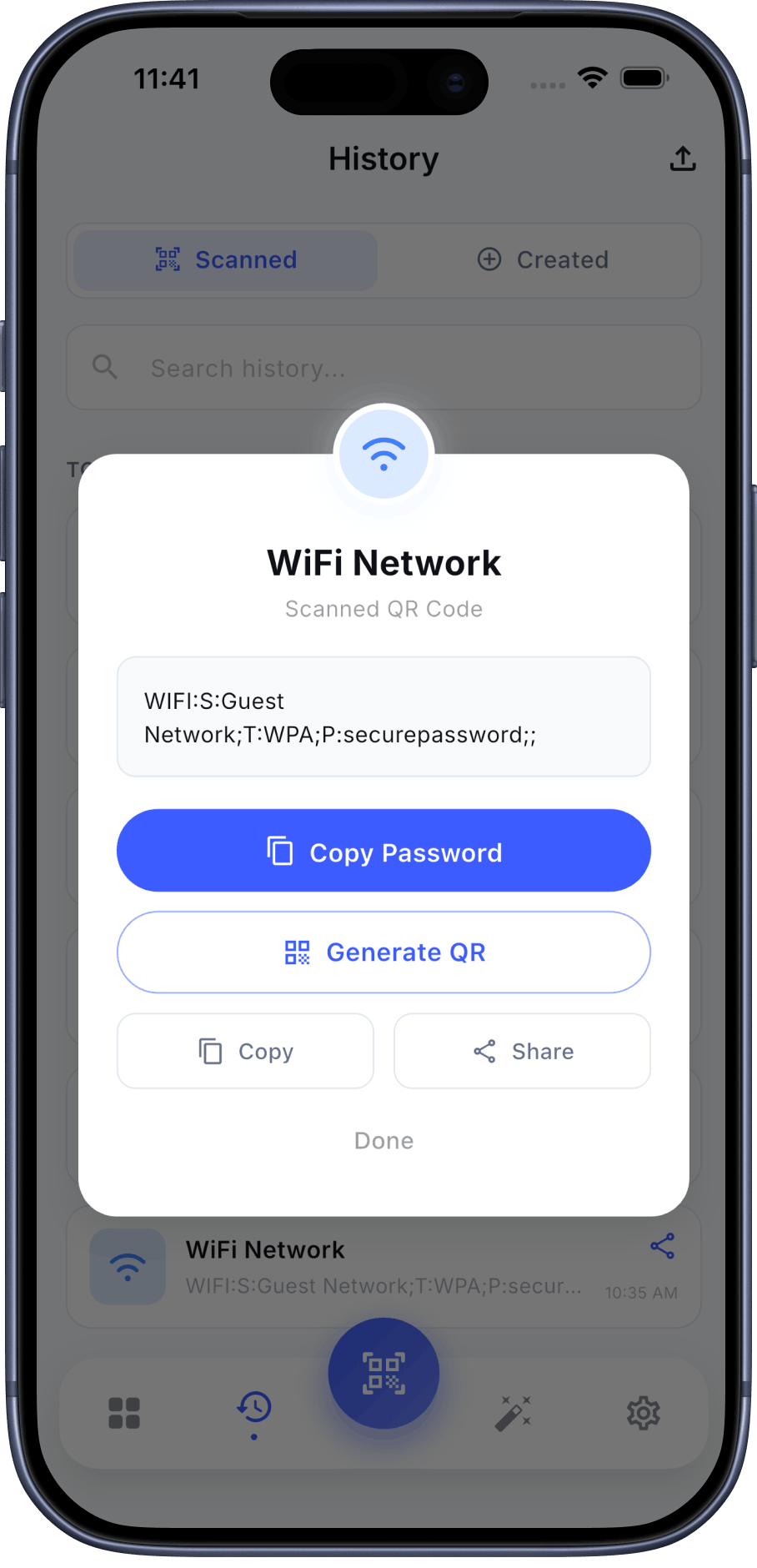
QR Pulse listing information
QR Pulse’s current Google Play and App Store listings say the app can create Wi-Fi QR codes. Check the current store listing for platform availability and app details. Google Play listing · App Store listing.
Explore QR Pulse
Check the current store listing for Wi-Fi QR code availability and details for your device.


Frequently Asked Questions
Does a Wi-Fi QR code keep the password secret from someone who scans it?
Do not assume so. Treat a Wi-Fi code as a way to grant network access, and share it only with people you intend to connect.
Will it work on every device?
Support can depend on the device and software. Test with the devices your guests plan to use.