

A QR code can contain text or direct a scanner to a website, Wi-Fi network, contact, or another destination. Reading a code does not prove that its destination is safe. Review an unfamiliar link before opening it, and avoid entering sensitive information on a page you did not intend to visit. QR Pulse’s Google Play listing also advises users to inspect unfamiliar links. Google Play listing.
Review the disclosure for your platform
Before installing a scanner, review the privacy information for the exact store and platform you use. Store disclosures are supplied by developers and can describe categories of data associated with an app; they are not a complete independent audit of runtime behavior.
As checked on October 26, 2026, Google Play says QR Pulse does not share data with third parties and may collect app activity and app information or performance data; it also says data is encrypted in transit. Apple’s listing identifies possible purchase history, device ID, product interaction, crash, and performance data, and says the developer-provided privacy information has not been verified by Apple. The App Store description separately says scans and history remain local and scan data is not stored on external servers. These are platform-specific disclosure and description claims, not independent verification of every app or SDK data flow. Google Play listing · App Store listing.
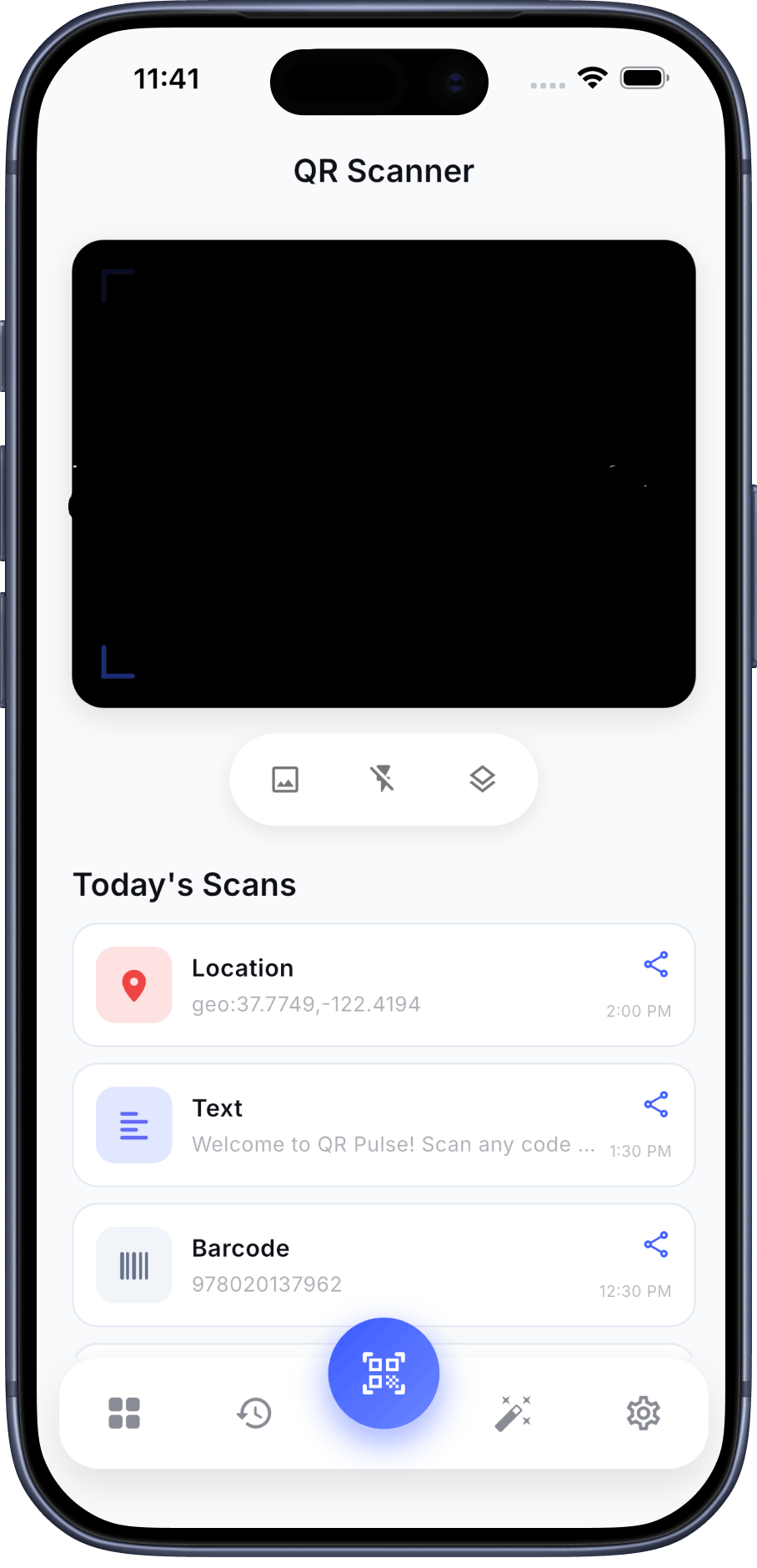
Use practical checks
Review the permissions an app requests and whether they make sense for the features you use. Check the current store privacy information, and remember that a scan result still needs your own review before you open a link or share information.
Review QR Pulse details
Compare the current platform-specific privacy disclosures and app information before installing.


Frequently Asked Questions
Does scanning a QR code confirm that its link is safe?
No. A scan reveals code content; it does not verify the destination. Check an unfamiliar link before opening it.
Does a store privacy label prove exactly what happens at runtime?
No. It is a useful disclosure, but it does not independently establish every app or SDK data flow.